
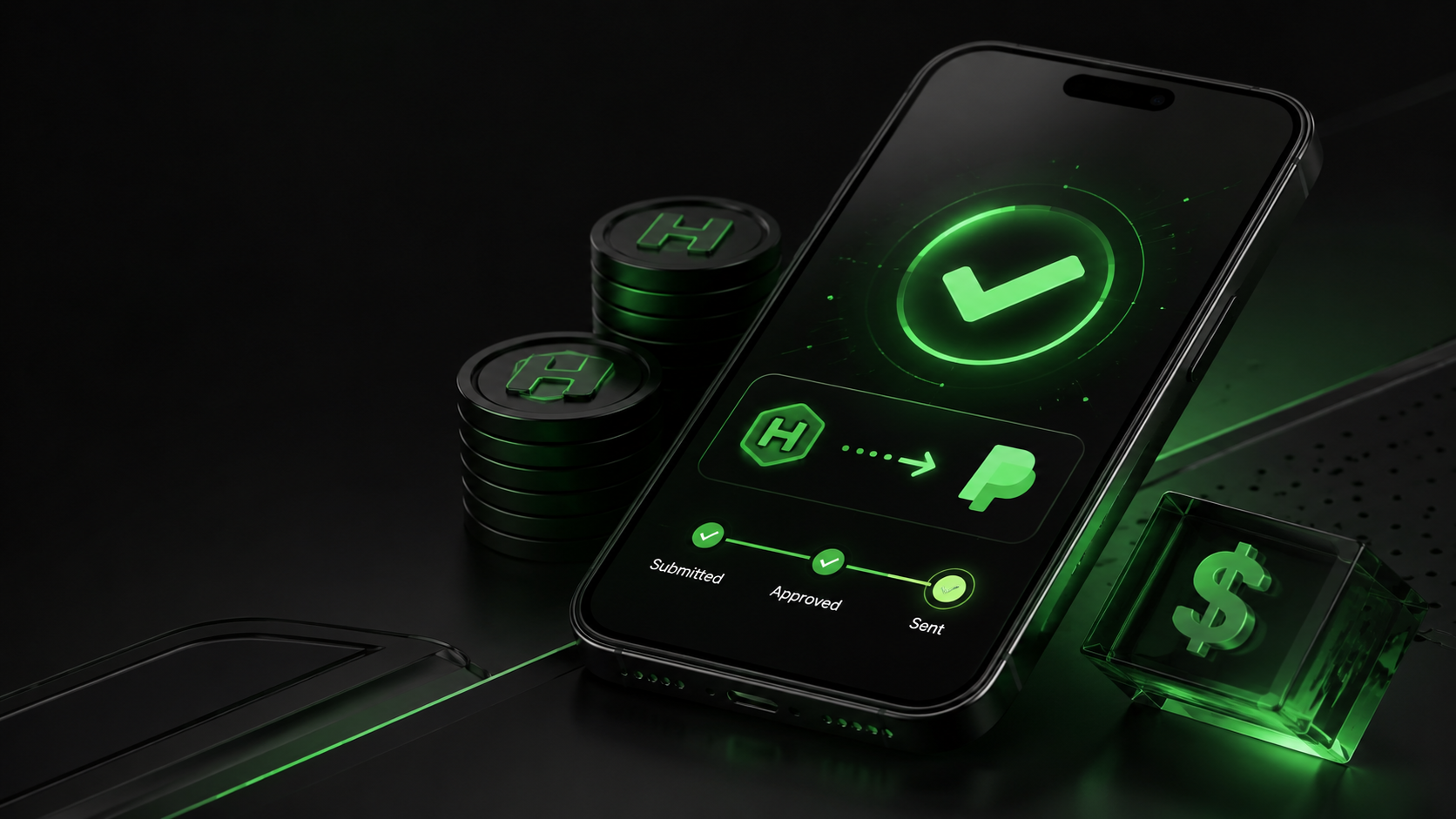
Cashing out from HeyCash is straightforward: open the rewards screen in the app, pick PayPal or a gift card and confirm the details. We send the reward, then PayPal moves the money to your account.
The cash-out minimum is $5, and with 1,000 points worth $1 that works out to 5,000 points. Payouts aren't instant; for most the wait depends mostly on PayPal's transfer step, though a first cash-out can wait on our review first.
Cashing out small amounts from your phone fits how a lot of people top up their income, with more than one in four US adults running a side hustle in 2025, bringing in a median of about $200 a month. This guide covers the cash-out steps, the PayPal process, real payout times, and how to chase a payment that looks stuck.
How to cash out from HeyCash
Cashing out on HeyCash runs through the rewards screen, where your points turn into a PayPal payment or a gift card. The request takes a couple of minutes in the HeyCash app, and you can follow it until we send the reward.
- Open the rewards or cash-out screen, where your points balance sits next to the redemption options.
- Pick how you want to be paid, choosing PayPal or a gift card.
- Confirm the amount and your account details, including the email tied to your PayPal, so the payout reaches the right place.
- Submit the claim, which sends it to HeyCash to review and approve.
- Track the status on the same screen until we mark the reward as sent, then PayPal takes over the transfer.
You can follow the claim on that same screen as it moves from submitted to approved to sent, so you always know which stage the payout has reached.
What payout options does HeyCash offer?
HeyCash pays out through PayPal or a gift card, whether you want cash or store credit. Both draw from the same points balance you build in the app.
- PayPal: the reward lands in your linked PayPal account, the route most people pick for cash.
- Gift cards: your balance becomes store credit across a range of brands, handy when you already know where you'll spend it.
Points are the single currency behind both methods. Picking one option or the other only changes how you receive the money; you earn points the same way either way.
You aren't locked into one method either. Cash through PayPal keeps the money flexible, while a gift card ties it to one store you pick from the brands on offer.
A gift card can't be switched back to cash later, so pick one only when you know the store you'll use.
How to cash out to PayPal
PayPal is the payout method most people pick. It needs a linked account plus a quick confirmation step, so set both up before you expect the money.
Linking and matching your PayPal email
Use the email address tied to your PayPal account when you cash out.
The payout is sent to that address. A typo or a second inbox is the most common reason a PayPal reward goes missing. If you haven't set up PayPal yet, create the account and confirm its email before you claim, since the reward can only land in an account that already exists.
If your HeyCash email and your PayPal email differ, that's fine, as long as the address you enter for the payout is the one PayPal recognizes. Double-check it on the redeem screen before you confirm, since fixing the email afterward only helps future payouts, not one already on its way to the wrong address.
The claim-confirmation step
We run a short confirmation step on a PayPal cash-out before releasing the reward. It checks the PayPal email on the request and flags a sign-in from a new IP address, confirming the request is really yours, so expect a brief pause while that check runs.
Once it clears, we send the reward and PayPal handles the transfer, so the confirmation only holds things up briefly.
For how long that second stage takes, see the payout-time section below.
Is there a minimum to cash out from HeyCash?
HeyCash's cash-out minimum is $5. With 1,000 points worth $1, that means you need 5,000 points before a PayPal payout, and your balance climbs toward it as you earn.
The $5 floor applies to a PayPal cash-out. Individual gift cards can set their own denominations, so a specific card may ask for a different amount, which the redeem screen shows before you confirm.
Redeeming once you clear $5 also proves the whole flow works on your account, so claim a small reward early rather than saving up, and watch it move through the stages.
How long do HeyCash payouts take?
A HeyCash payout runs in two stages. First we review and send the reward, then PayPal moves the money to your bank, card, or balance. Both stages take time, which is why the cash reaches you a while after you claim it.
How HeyCash approves and sends
We send a reward once your balance and the offer both check out. A first cash-out may take a little longer while we confirm your account, which is normal for a new payout.
The offer or survey has to register as completed before the reward is approved, which is the most common reason a first payout waits. We always run this review before PayPal sees the money, so the reward is checked on our side first.
PayPal transfer times
Once HeyCash sends the reward, how fast it lands depends on the PayPal route you chose.
| Payout route | Typical time |
|---|---|
| Standard transfer to a bank account | About 1 business day, up to 3 business days |
| Standard transfer to an eligible debit card | About 48 hours |
| PayPal Instant Transfer | Within minutes, up to about 30 |
A standard transfer to a bank account typically clears in about one business day and can take up to three, per PayPal's guidance. Starting one after 7:00 PM ET or on a weekend or holiday can add a day.
A transfer to an eligible debit card typically lands within about 48 hours. PayPal's own Instant Transfer arrives within minutes but charges a fee that the standard transfer doesn't.
The fee for that speed is charged by PayPal, and HeyCash doesn't add a cost of its own to cash out. So the only charge you might pay on a payout is PayPal's Instant Transfer fee, which you avoid by choosing a standard transfer.
Why is my HeyCash payment not showing up?
Most missing HeyCash payments aren't lost. They're a reward still in review, a detail that doesn't match, or normal PayPal transfer time.
Work through a short checklist before you assume something broke.
- Confirm the reward or offer completed and tracked, since a game milestone that never registered won't turn into points.
- Check that the PayPal email on the payout matches the one on your PayPal account.
- Allow the processing time from the section above before you count a payment as late.
- Grab a screenshot of the reward and the payout status if the balance still hasn't moved.
Larger game milestones are the step users most commonly report not tracking, so open the offer's own progress screen and confirm it recorded before you count on the points. A survey that screens you out still credits a smaller amount, which is easy to miss when a payout looks short.
If it's still missing after that, contact the HeyCash support team with your screenshot and the reward details, so the team can trace the payout. Support runs through the contact form on our site, backed by the FAQ, with no live chat to sit in.
Does HeyCash pay real money?
Yes, HeyCash pays real money, sent through PayPal or as a gift card once you redeem your points. The payments use the same rails people rely on for everyday transfers, not a closed in-app credit you can't move.
PayPal is the main payout route, and a gift card turns your points into spendable store credit. PayPal itself had 438 million active accounts at the end of Q2 2025, so the payout lands on a mainstream network that most people already use.
The app is also highly rated on the App Store, a fair signal that most people get paid. The amounts stay modest, though, since 1,000 points equals $1 and a payout tracks the time you put in.
Getting your first HeyCash payout right
Your first HeyCash payout goes smoothest when you split it into two moves. Build a balance first from games, surveys and offers, then redeem it the way that suits you.
You earn points from playing sponsored games, taking surveys and finishing offers, worth $1 per 1,000 toward a $5 cash-out minimum. When you're ready, start earning points toward your next payout and pick PayPal or a gift card at redemption.
Redeeming a small reward first is a low-risk way to see the full flow before you build up more. Plan around the PayPal transfer time, and match the payout email to your PayPal account so your first cash-out doesn't stall.

Start earning your next HeyCash payout
Cashing out starts with a balance. Play sponsored games, take surveys, and finish offers to build points, then redeem through PayPal or a gift card.