
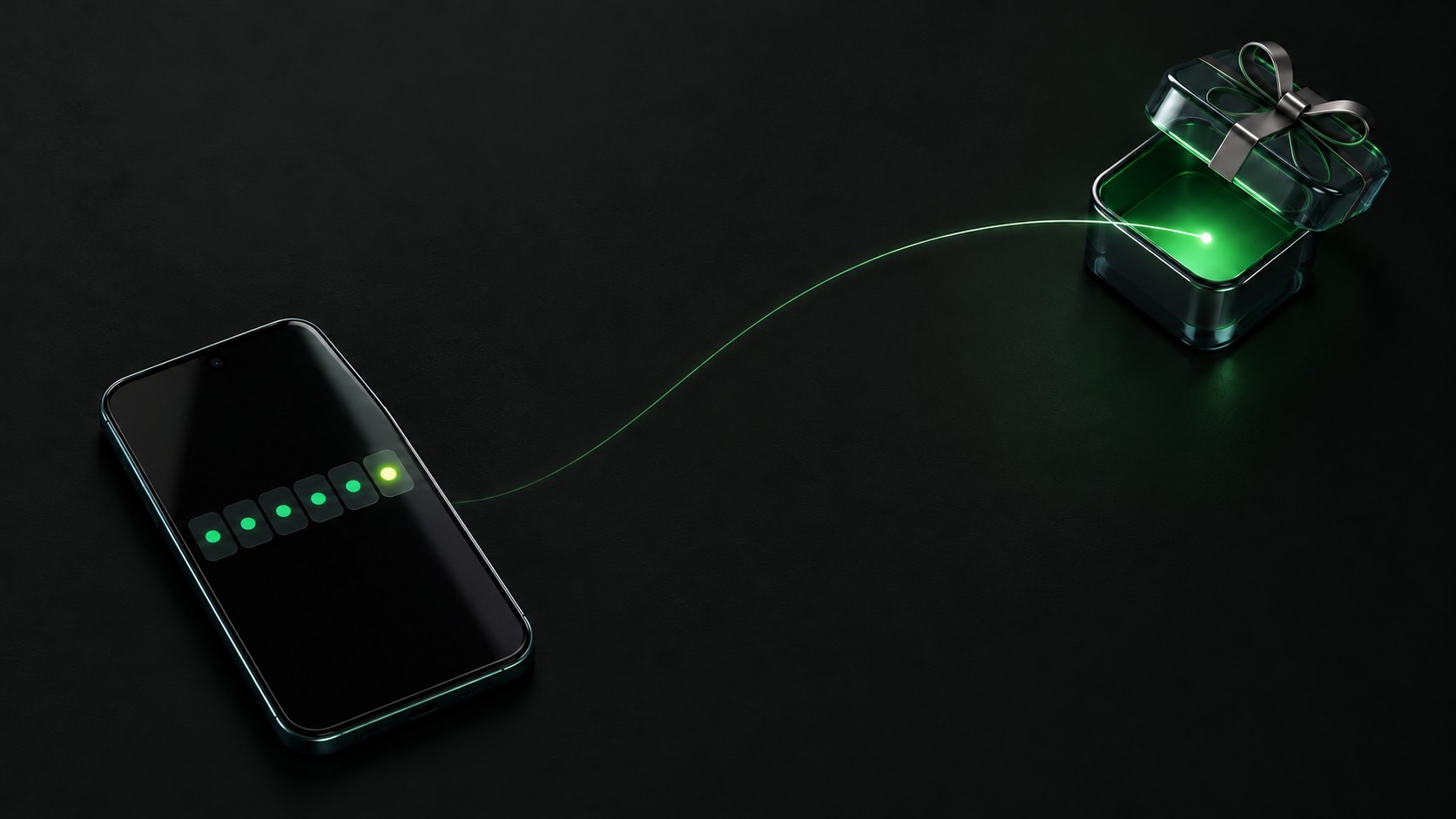
Got a bonus code? Here's how to redeem it on HeyCash so you don't miss out on your bonus.
Redeem your bonus code
- Log in to your HeyCash account.
- Go to the Account section.
- Select Redeem Bonus Code.
- Enter your code exactly as it was given to you.
- Select Submit.
Once your code is accepted, your bonus is applied to your account.
Bonus codes are usually case-sensitive and may expire, so redeem yours as soon as you can and double-check it for typos.
Bonus code not accepted?
First make sure the code hasn't expired. If it still doesn't work, or you have other questions about redeeming it, contact HeyCash Support at [email protected] or through the contact form.

Sign up, then redeem your code
Create your HeyCash account and enter your bonus code under Account. New accounts also get a $1 starting balance (1,000 points).